Interaction captures
Browser-driven screenshots, interaction flows, and frame sequences for reviewing storefront motion.
Interaction captures
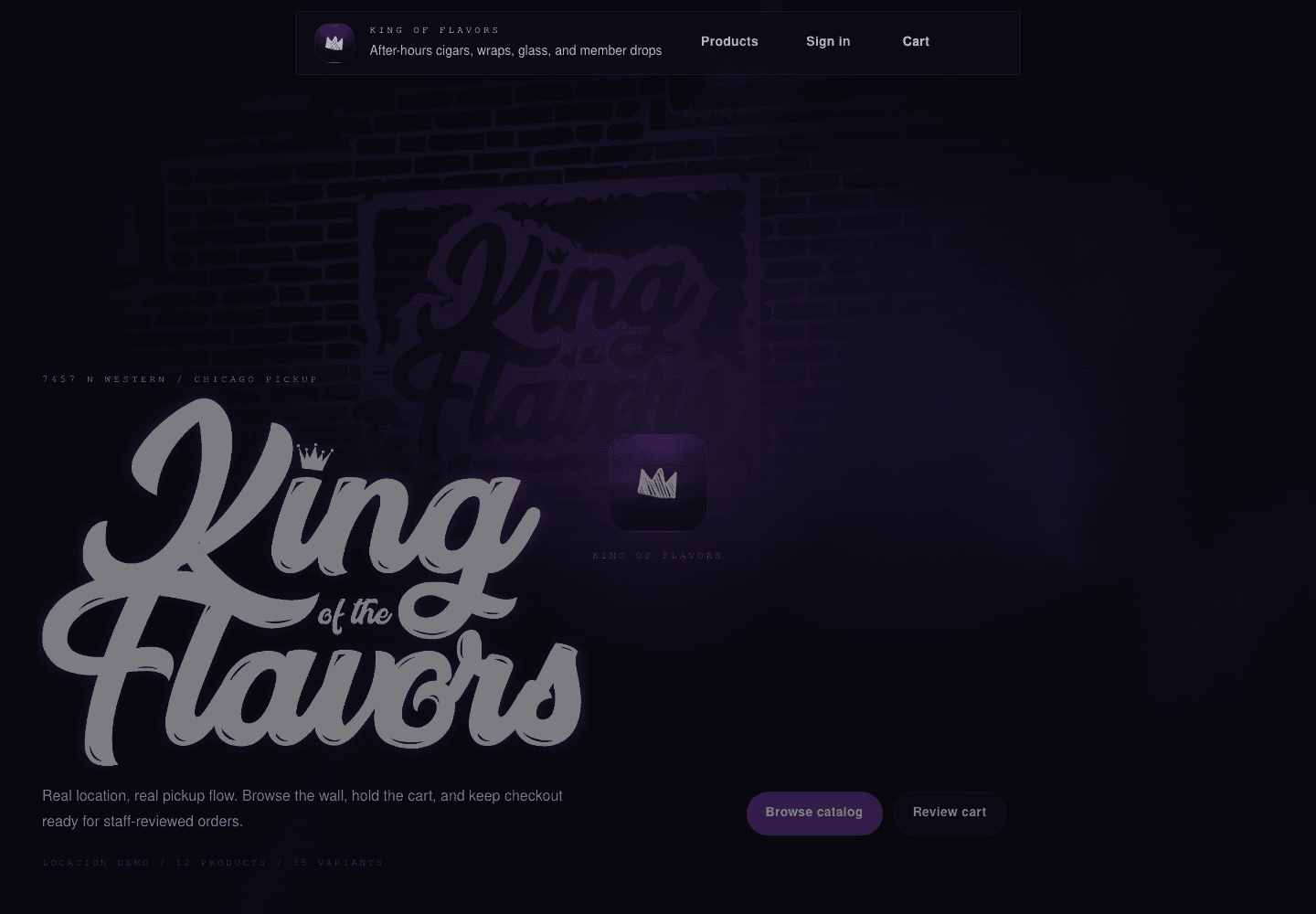
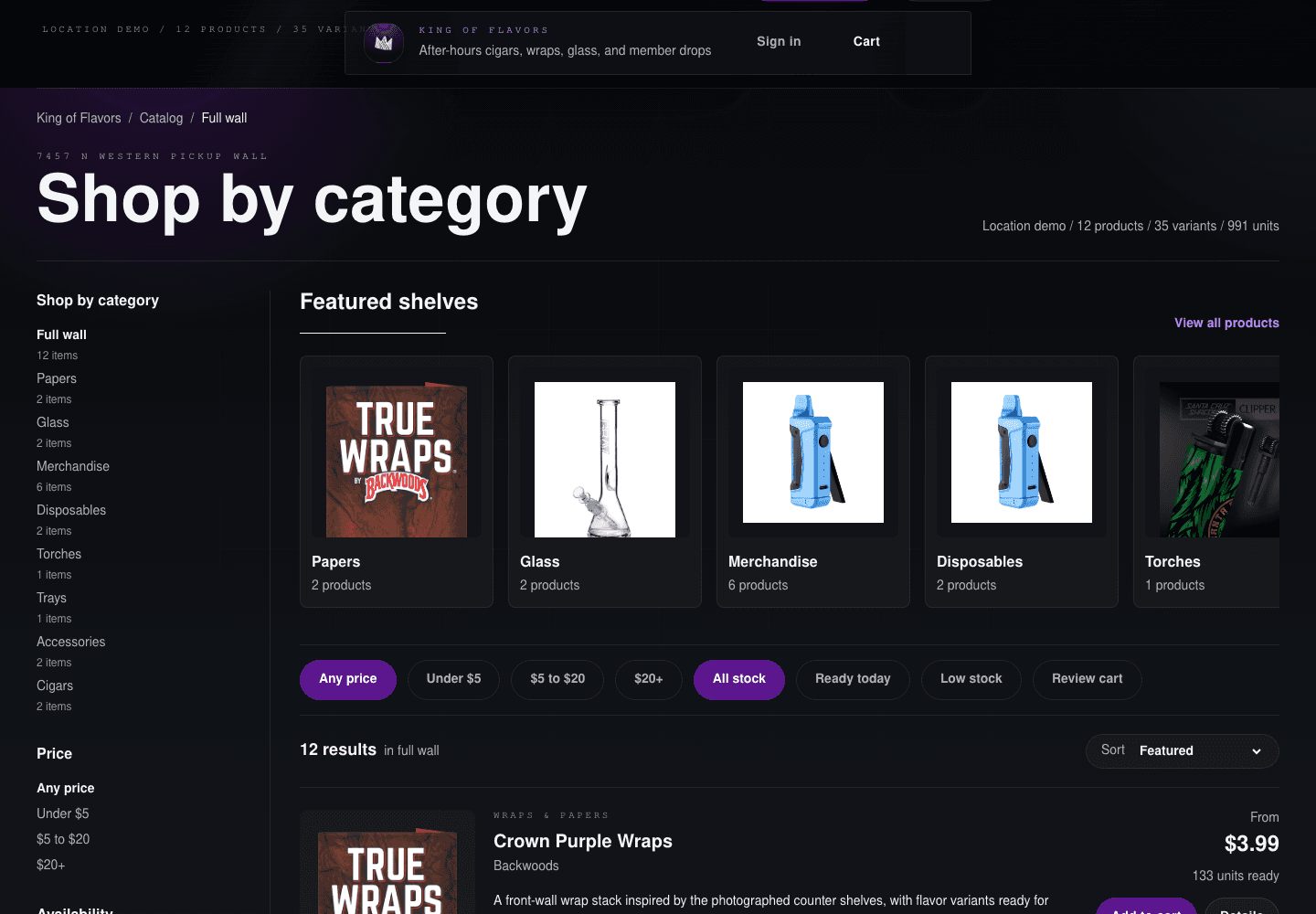
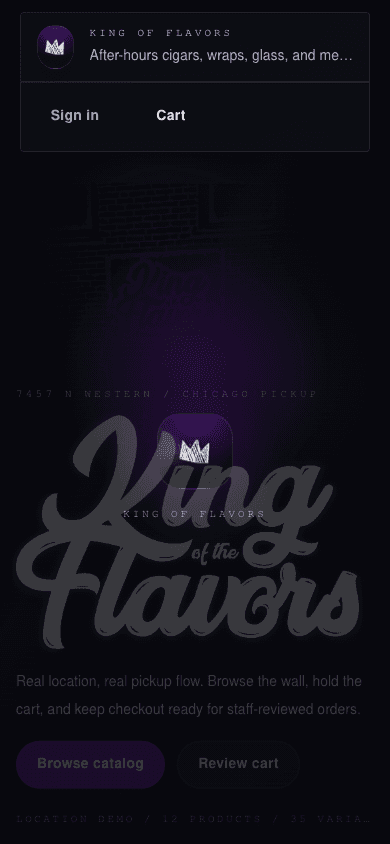
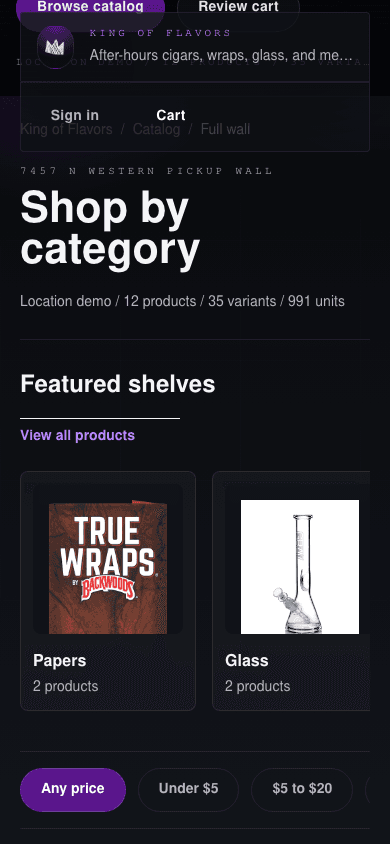
These images are generated from the local Vite app with Playwright. The goal is to keep visual review close to the actual browser behavior: route changes, clicks, scroll positions, cart modal transitions, and short frame-by-frame motion windows.
Run the full review pass from the repository root:
bun run capture:reviewThe runner starts the web and API dev servers when they are not already running. Use --no-server when bun dev or bun run dev:plain is already open.
Useful focused commands:
bun run capture:shots
bun run capture:flows
bun run capture:motion --fps=60 --duration=800
Generated assets are written to apps/docs/public/interaction-review, and the latest metadata is written to /interaction-review/manifest.json.
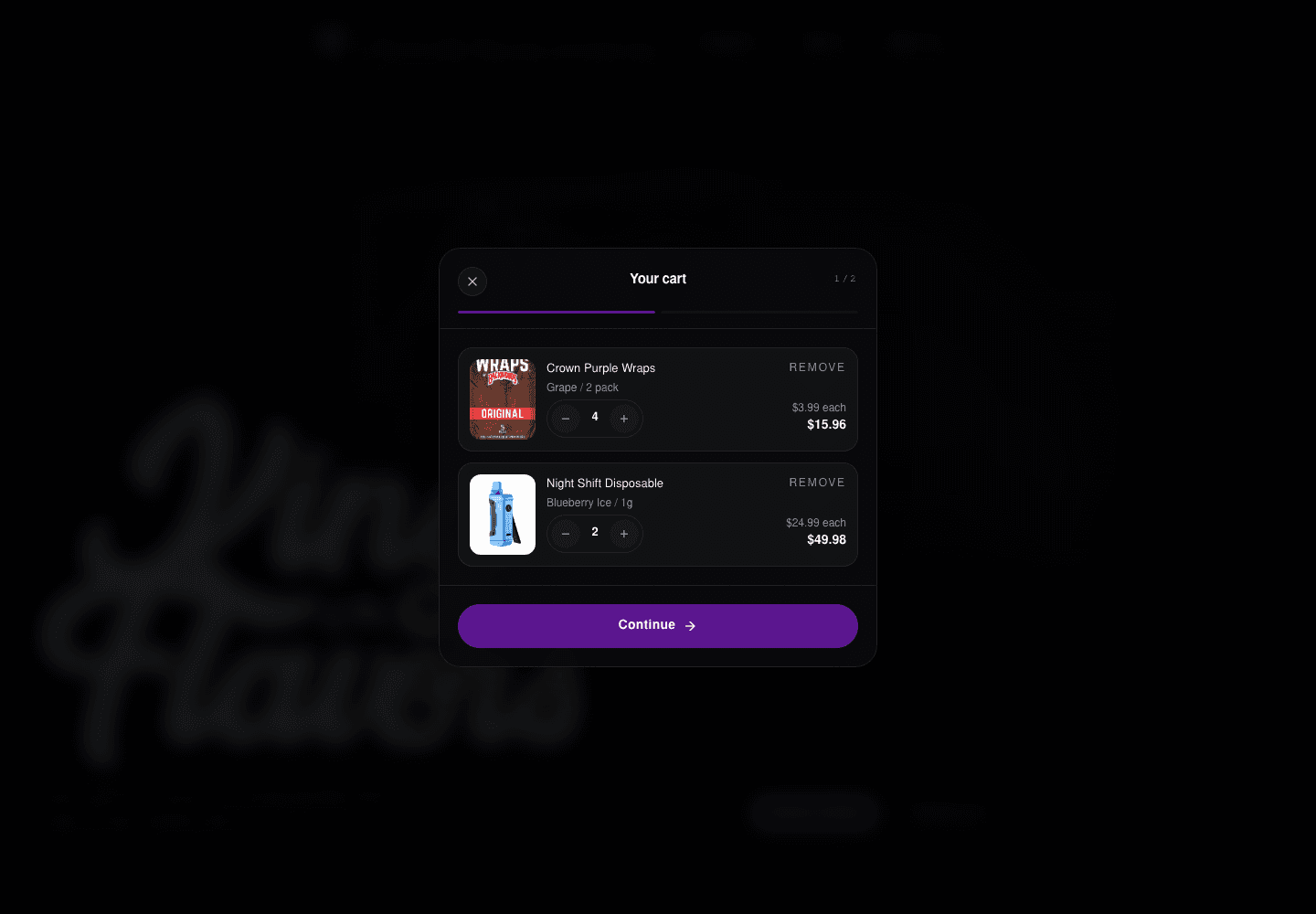
Static states
Interaction flows
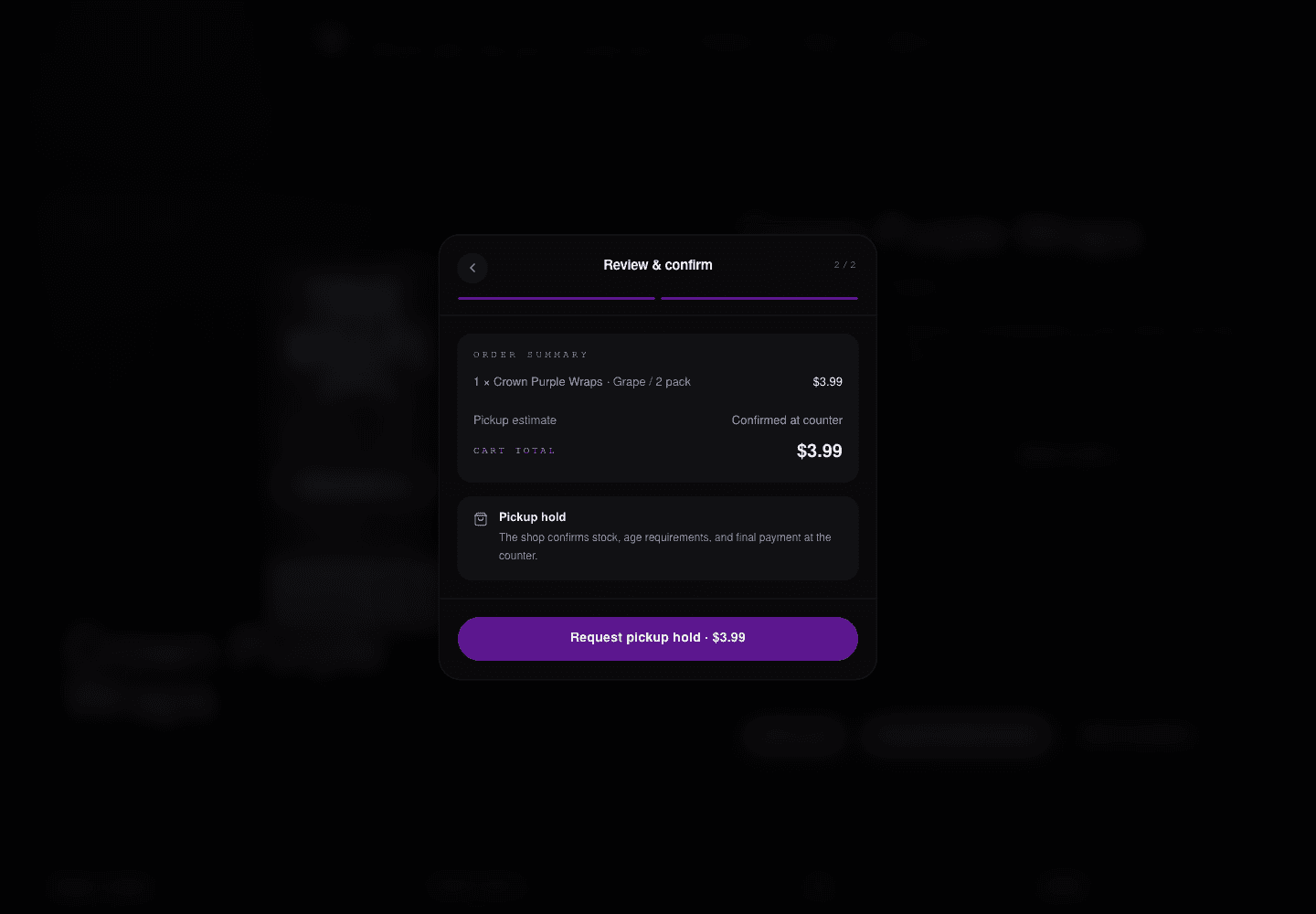
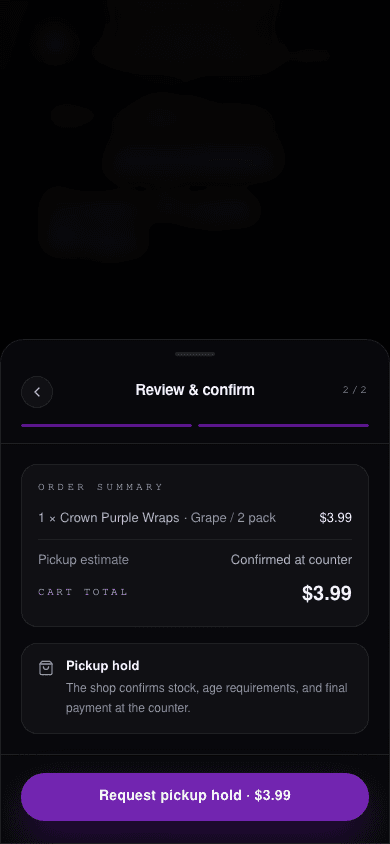
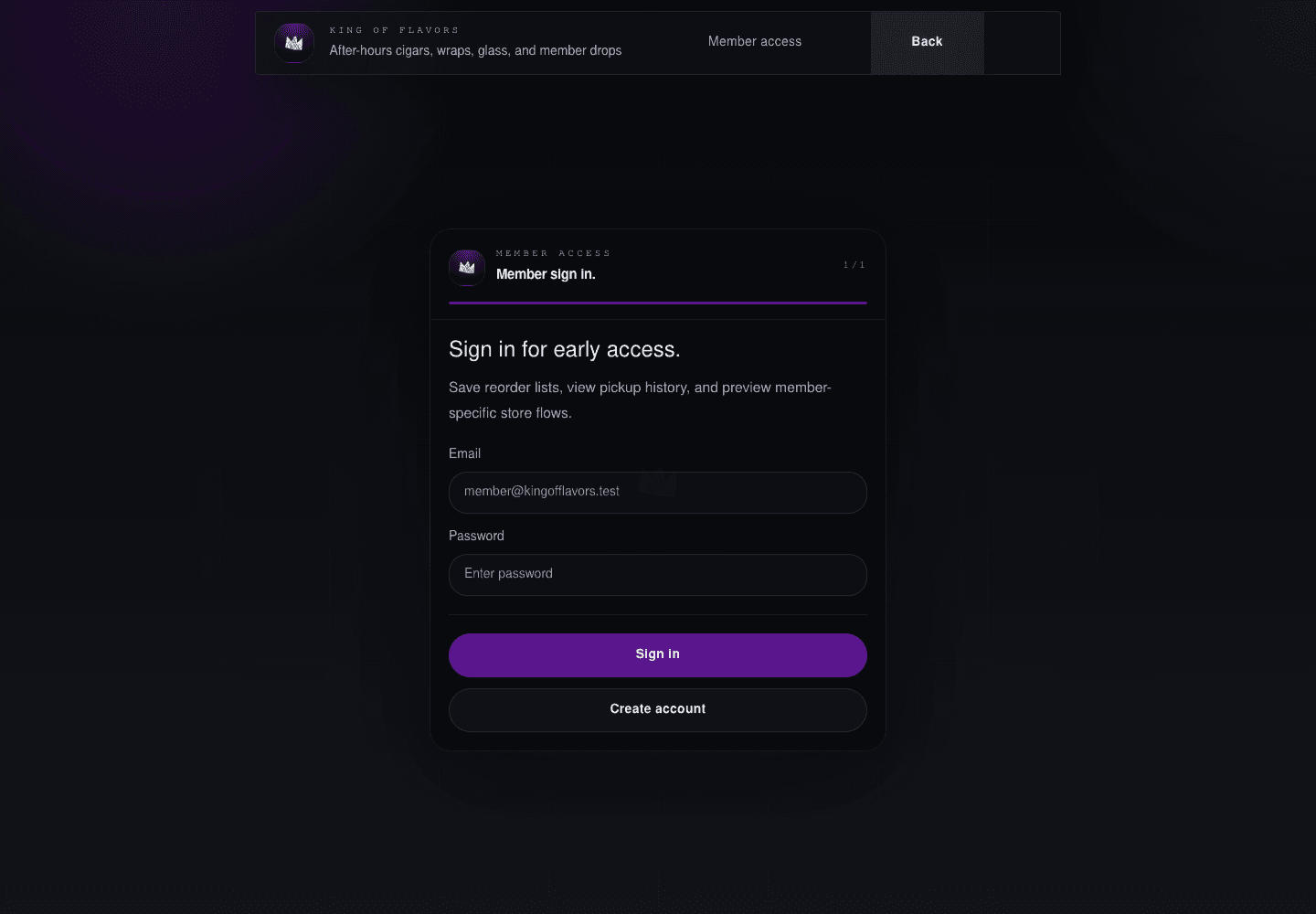
The flow captures exercise real user actions instead of only loading state URLs.
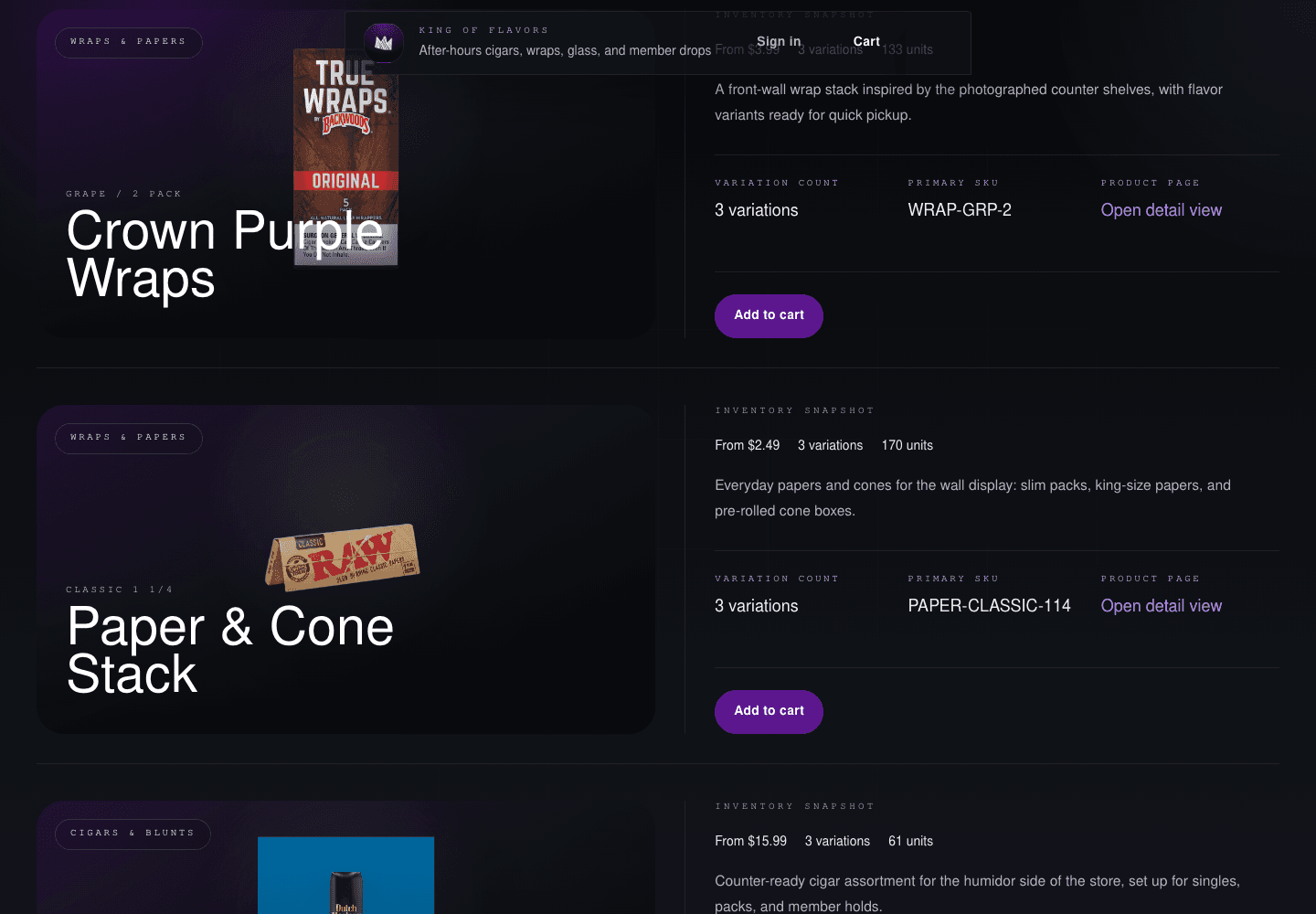
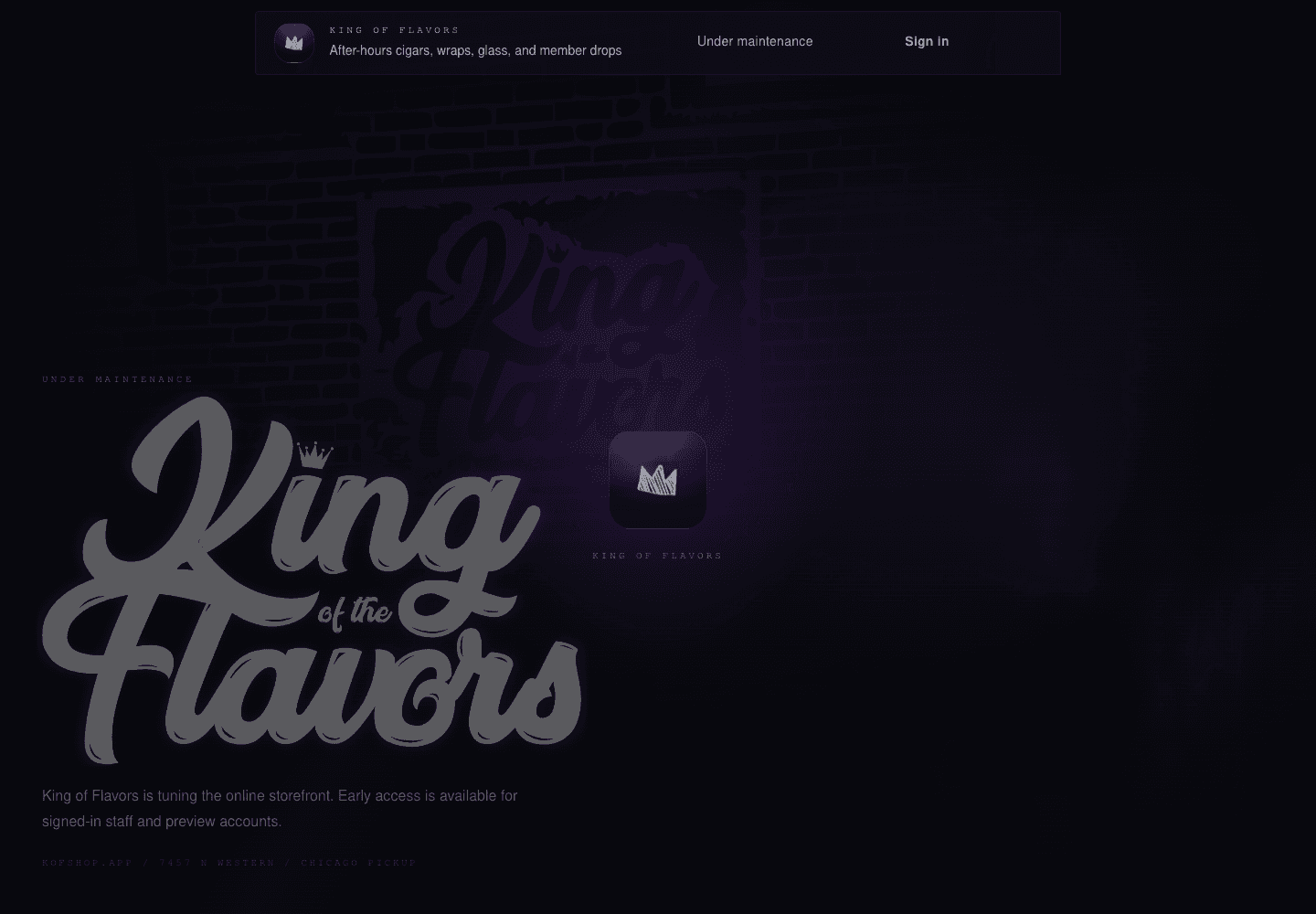
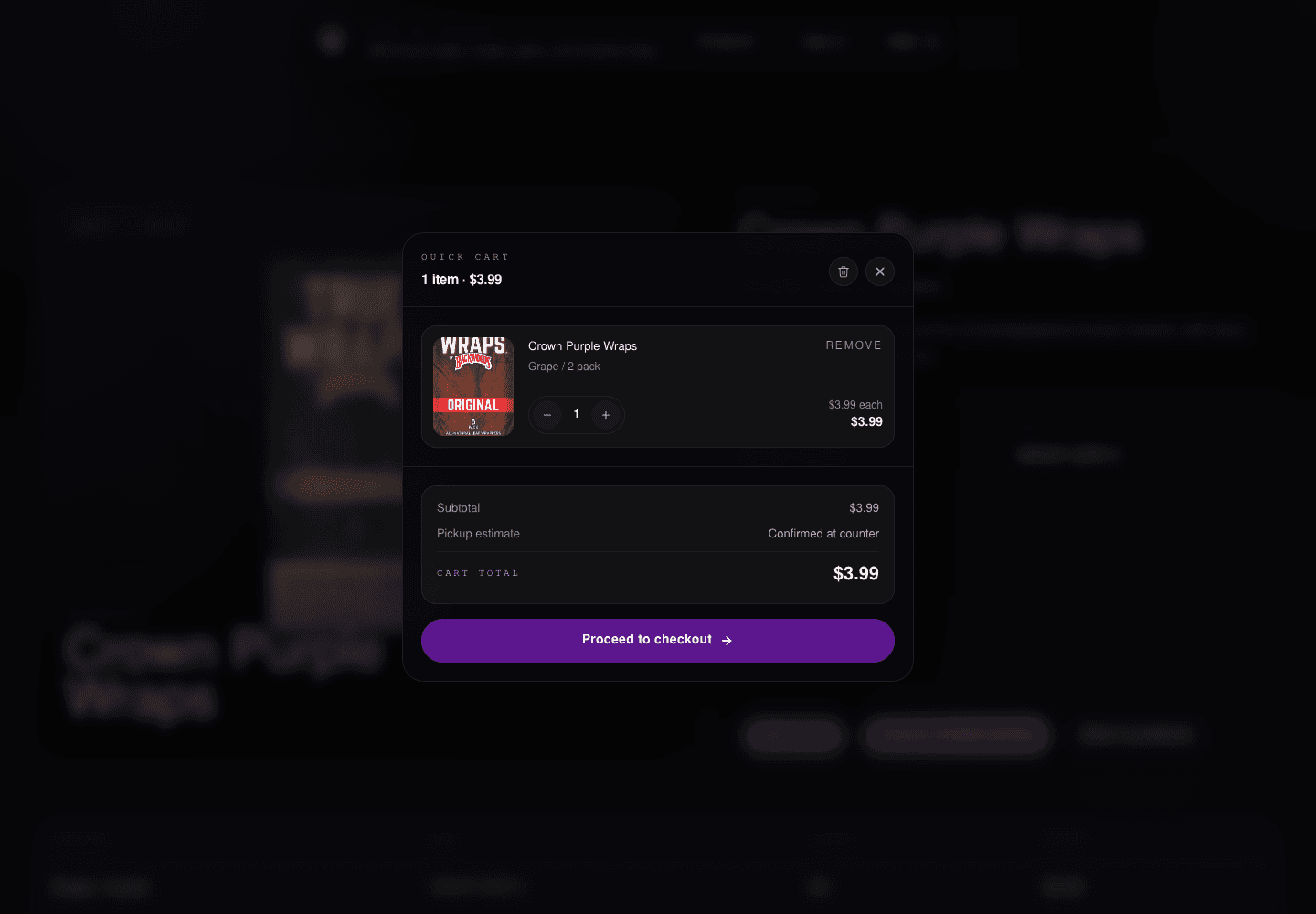
Motion keyframes
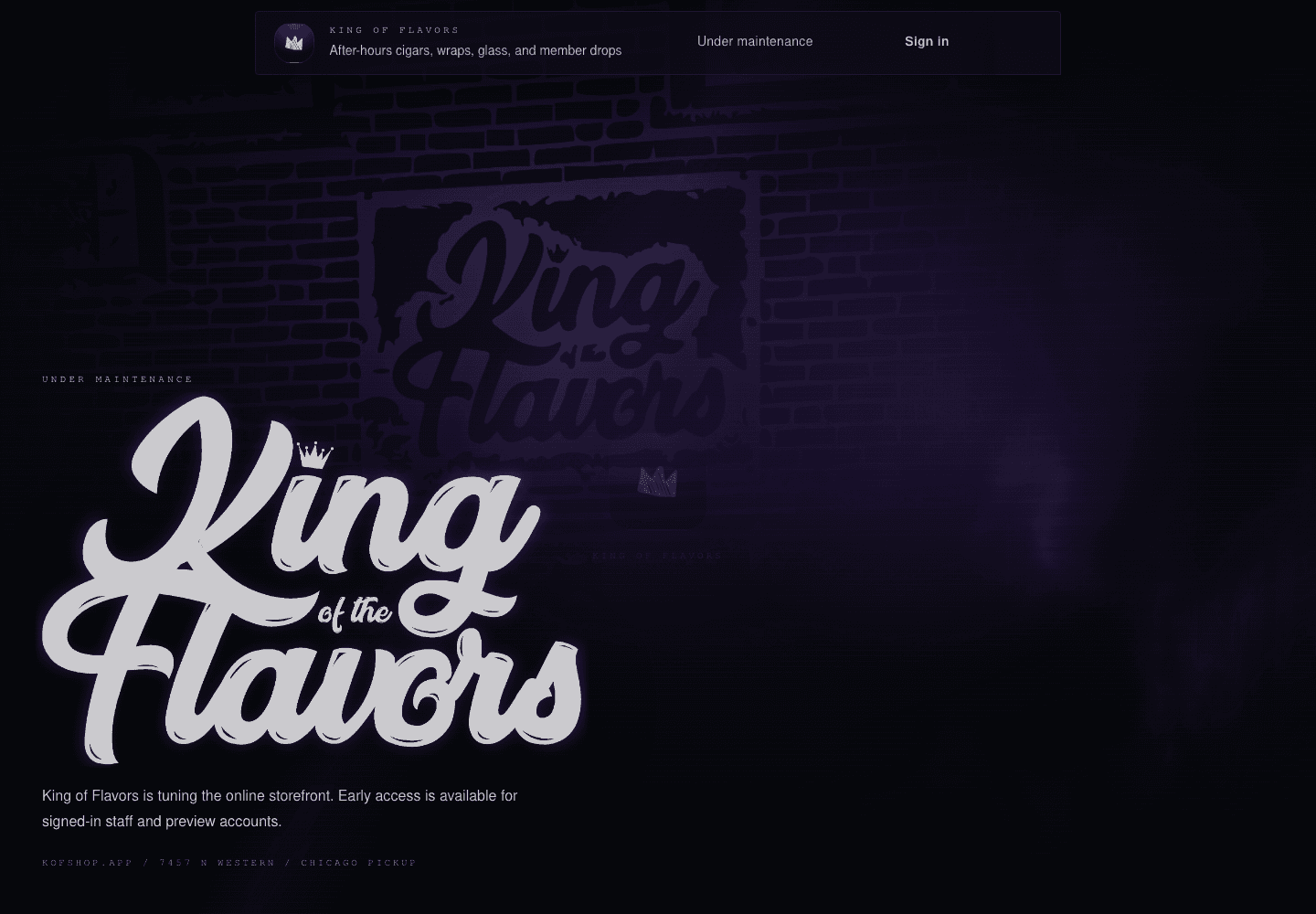
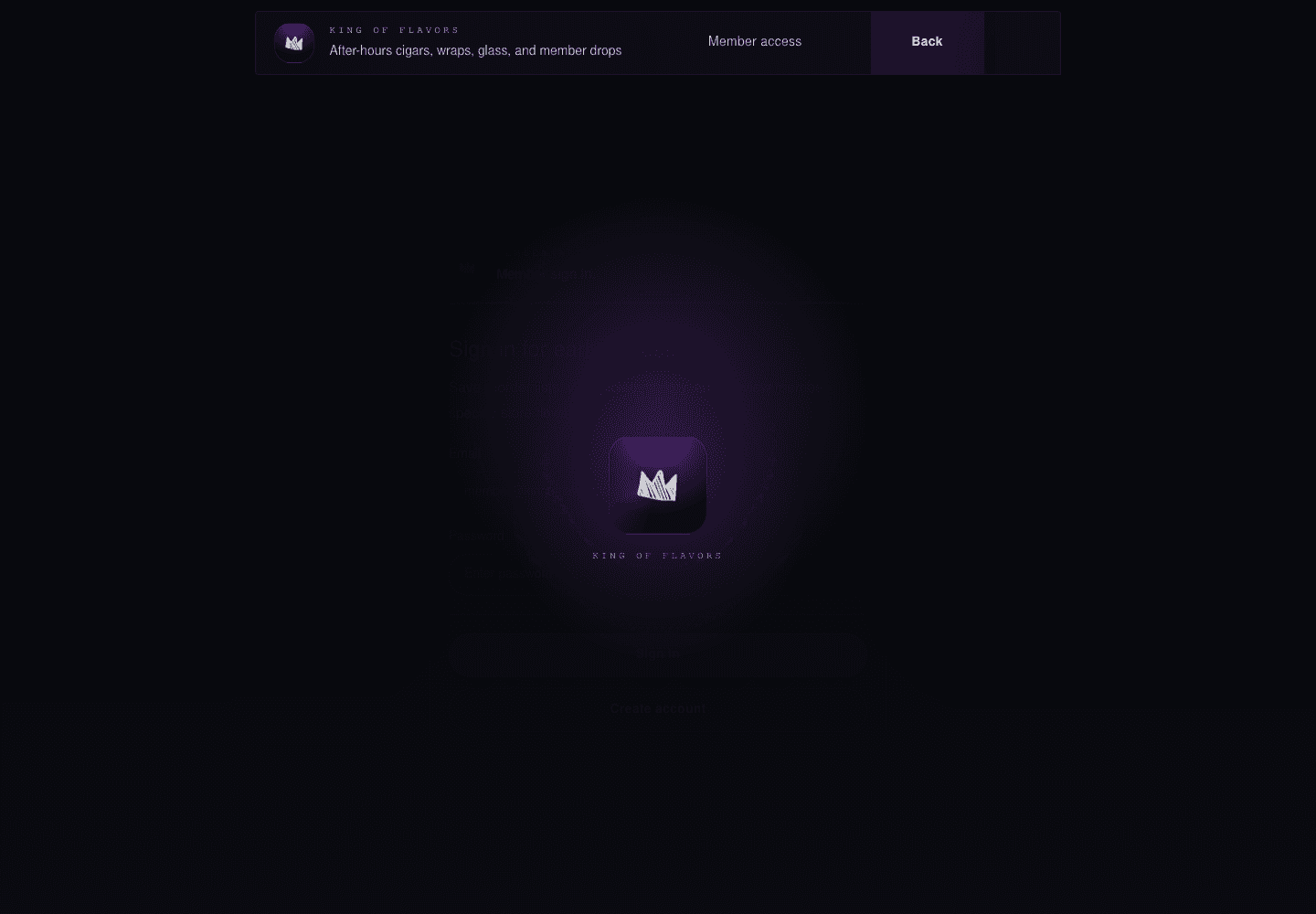
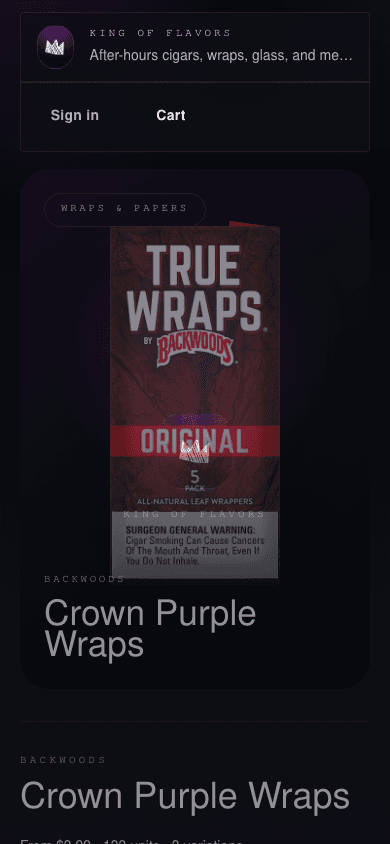
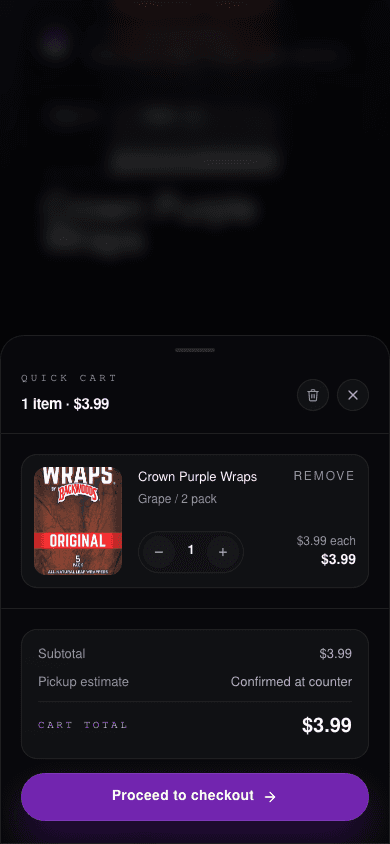
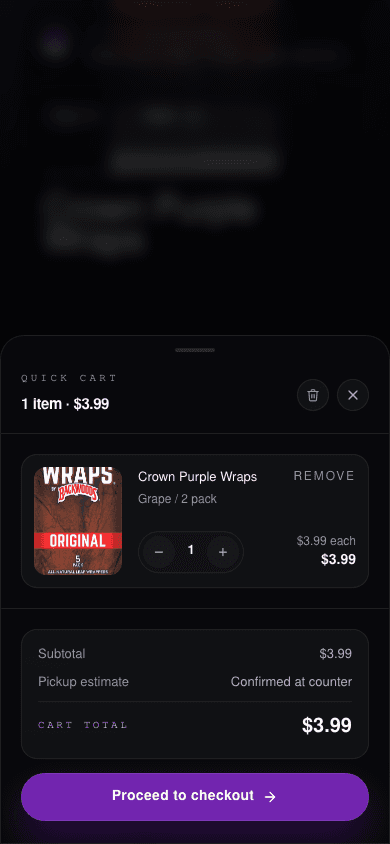
The motion command saves every captured frame under each flow's frames folder. The docs use stable keyframe copies so this page stays readable while the raw sequence remains available for frame-by-frame inspection.
| Start | Mid | End |
|---|---|---|
 |  |  |
| Start | Mid | End |
|---|---|---|
 |  |  |
Review notes
Use capture:shots for quick documentation updates, capture:flows when a component changed interaction behavior, and capture:motion when route transitions, loaders, or modal animation need a closer look.
Frame capture is target-rate based. A --fps=60 run asks for a 16.7ms cadence, but the actual cadence depends on screenshot cost and machine load. For longer review passes, 30fps is usually enough; for loader flicker or header overlap, use a short 60fps window.